Personalized products — custom name jewelry, engraved leather goods, custom-printed apparel, and personalized gift boxes — carry some of the highest gross margins in D2C e-commerce (often 60–80%).
However, they are an operational nightmare.
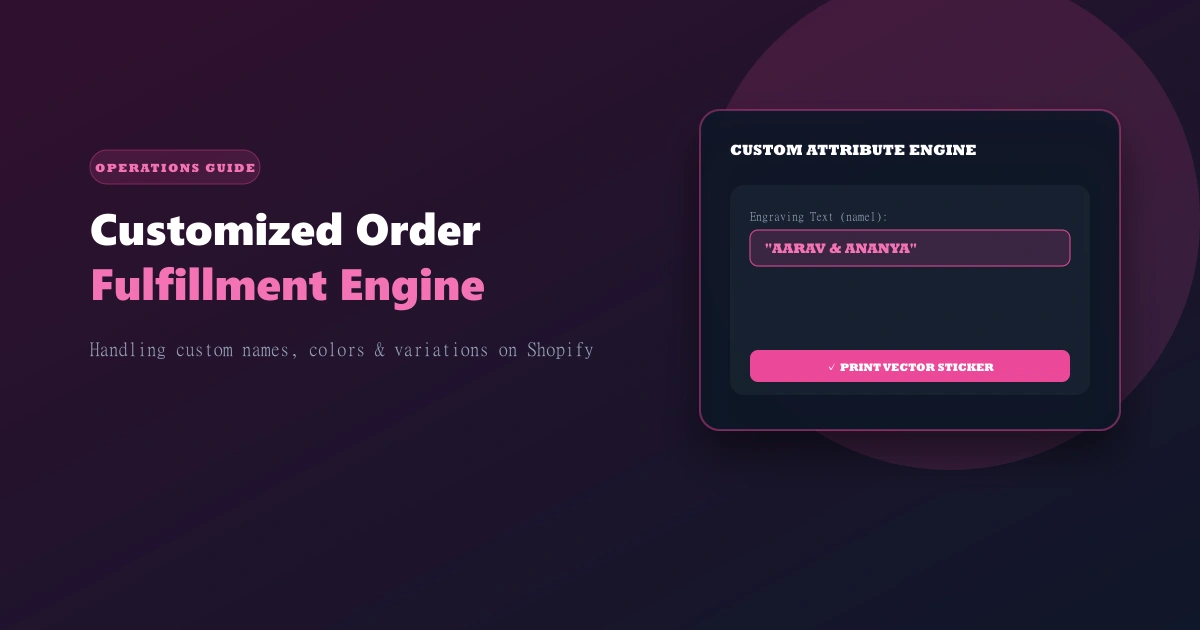
Standard e-commerce fulfillment tools assume every SKU is identical. When a customer orders a "Custom Name Necklace in Rose Gold, 18 inches, with Name: 'Aarav'", generic order systems collapse. Operations teams end up manually copy-pasting custom text into spreadsheets, leading to misspelled names, wrong color selections, and angry customers.
Important
OrdersPilot natively captures product customization parameters (name1 through name5, color1 through color5, chainType, and item weight/grams) directly from Shopify order line items, passing them cleanly into your confirmation queue and workshop production line.
The 3 Failure Points in Manual Custom Order Processing
1. Truncated Shopify Line Item Properties
Shopify stores custom user inputs in line item properties. Default order exports or basic shipping apps often truncate long custom text fields or drop special characters (such as accents or emojis), causing production teams to print incorrect text.
2. Lack of Visual Proofing on Confirmation Calls
When calling agents confirm custom orders over the phone, they need to verify the custom text spelling with the customer. If the agent can't see the exact custom fields on their dashboard screen, miscommunications occur.
3. Workshop Production & Sticker Generation
Jewelry engravers and print-on-demand operators need clear, high-contrast production stickers attached to the raw inventory item before processing. Manual sticker generation takes 2-3 minutes per order.
How OrdersPilot Automates Custom Order Workflows
[Shopify Custom Order] ➔ [OrdersPilot captures name1-5 & color1-5] ➔ [Confirmation Agent verifies spelling] ➔ [Auto-prints Vector Production Sticker] ➔ [Fulfillment]
Step 1: Attribute Extraction & Standardization
OrdersPilot automatically extracts custom line item attributes upon Shopify order creation and normalizes them into structured fields (Name, Secondary Name, Color Variation, Metal Type, Weight in Grams).
Step 2: Confirmation Verification Scripting
During confirmation calls, OrdersPilot displays a dedicated Customization Box on the agent's screen:
"Confirming Order #1042 for Aarav: Custom Name: 'Aarav' in Rose Gold, 18-inch Chain. Is the spelling A-A-R-A-V correct?"
Step 3: Automated Sticker Vector Generation
OrdersPilot generates thermal-ready barcode labels containing both the shipping AWB and the exact custom engraving text, allowing workshop operators to engrave or print directly from the sticker without opening a laptop.
Workflow Comparison: Standard App vs. OrdersPilot Custom Engine
| Generic Shopify Fulfillment | OrdersPilot Custom Order Engine |
|---|---|
| Custom attributes hidden in CSV notes | Dedicated custom attribute fields |
| High rate of spelling errors (4-8%) | <0.1% error rate with spell-check verification |
| Manual label creation (3 mins/order) | Instant 1-click vector sticker generation |
Frequently Asked Questions (FAQ)
1. Can OrdersPilot handle multi-name custom products like couple necklaces or family gifts?
Yes. OrdersPilot supports up to 5 individual custom name attributes (name1 through name5) and 5 color attributes per item, making it ideal for multi-name jewelry and customized gift boxes.
2. What happens if a customer wants to change the custom name during the confirmation call?
Calling agents can edit the custom attributes directly inside OrdersPilot. The system updates the production queue in real time, preventing incorrect items from being manufactured.
Related Guides
- Automating Thermal Shipping Labels & Waybills: Generating print-ready stickers at scale.
- Building a High-Performance Calling Team: Agent scripts and metrics.
Scaling a personalized D2C brand on Shopify? Schedule a demo with OrdersPilot to see how our custom attribute engine eliminates fulfillment errors.
Author
Growth Team
Deeply passionate about optimizing e-commerce logistics and building systems that help D2C founders regain control of their operations.
Enjoyed this article?
If you found this helpful, share it with your network and help other Shopify founders scale their operations.
Recommended Articles
Continue your journey with more insights from our team.