Production-Ready Sticker Generation: Printing 1000s of Labels Without Errors
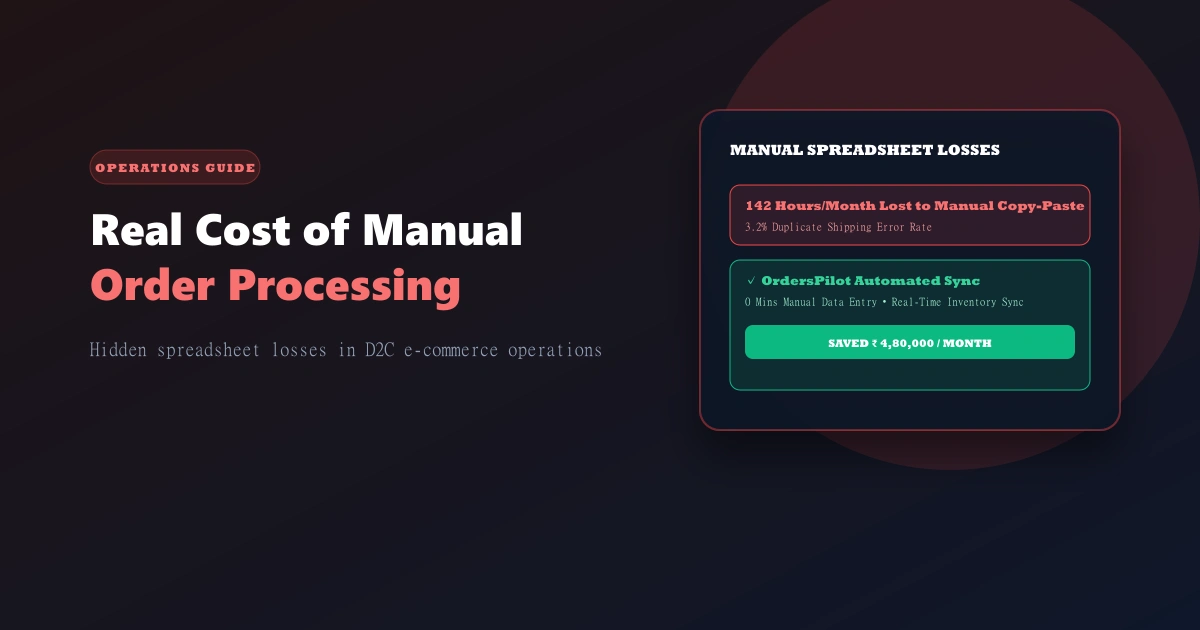
Automating Shipping Labels & Waybills: Saving 100+ Hours Per Month
Tip
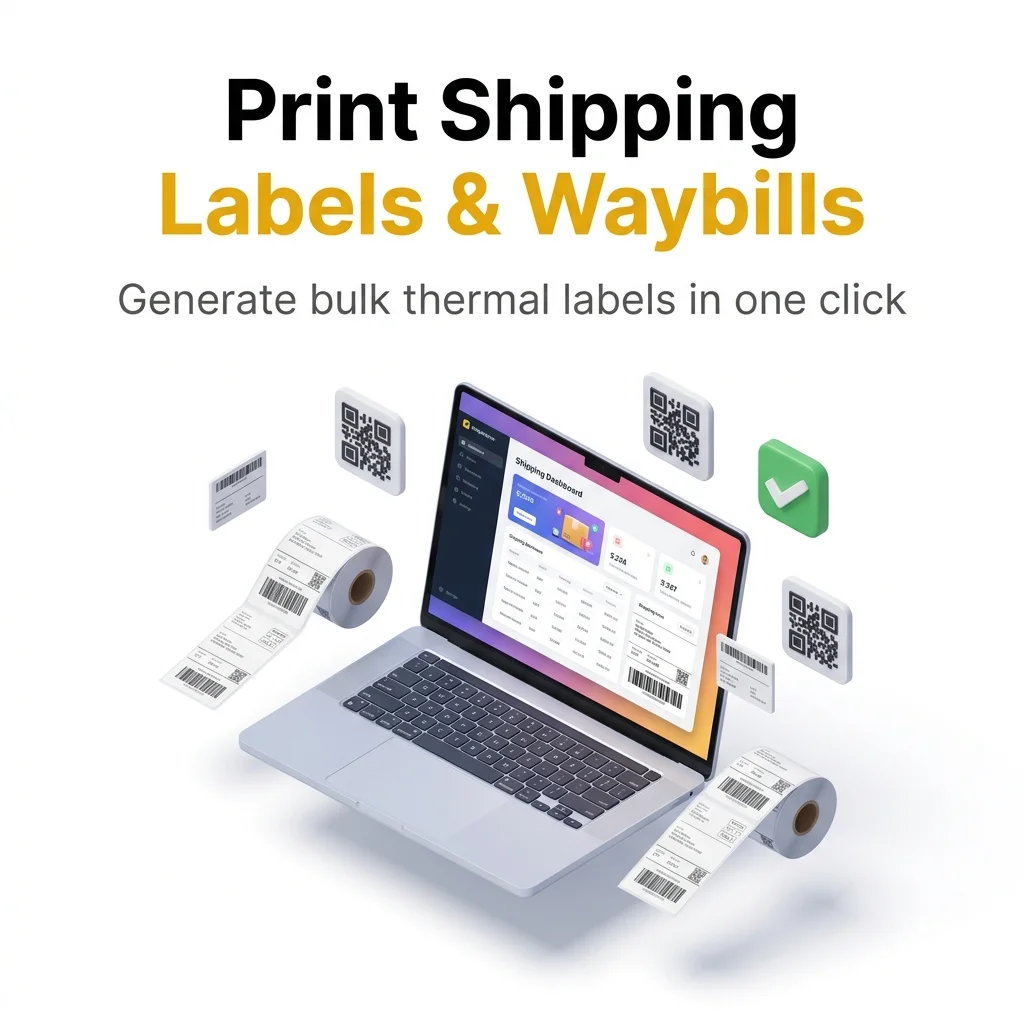
Bulk generating labels and waybills for multiple couriers from a single dashboard can reduce fulfillment time by 70%. It's about speed and accuracy.
A label is the last thing your brand controls before the customer opens the package. If the label is wrong, the order arrives to the wrong address, or the delivery agent can't read it, you lose the order.
At 5,000 orders/day, you're printing 5,000 labels per day. That's 150,000 labels per month. If your label system has a 0.5% error rate, that's 750 misdelivered packages per month. At ₹100 RTO cost per package, that's ₹75K monthly in preventable failures.
Most D2C brands generate labels in Shopify admin (manual, slow) or cheap printing services (error-prone). OrdersPilot's label system generates production-ready PDFs that integrate with your thermal printer workflow.
Here's how to get it right.
The Label Problem at Scale
Manual Labels (The Slow Way)
Process:
- Confirm order in OrdersPilot
- Go to Shopify admin
- Click "Print label" for each order
- Download PDF
- Send to printer
- Pray the label prints correctly
Reality at 100 orders/hour:
- Manual process takes 30 minutes for 100 labels
- 30% of labels are wrong (address typo, size mismatch)
- Printer jams = orders delayed
- Design inconsistencies (some labels say "COD", some say "Prepaid")
OrdersPilot Automated Labels
Process:
- Order confirmed in OrdersPilot
- Batch print queued (generate 500 labels at 3 PM daily)
- Labels auto-generate with correct address, tracking, brand logo
- File downloaded: batch.pdf (500 labels, thermal-printer ready)
- Send to thermal printer (8.5x11" per label, 2 labels per page)
- Print: 250 pages in 15 minutes
- Cut and attach
Reality:
- 500 labels printed in 3 minutes of human time
- 99.8% accuracy (address, SKU, tracking)
- Consistent branding (your logo, colors, fonts)
- Thermal printer optimized (no color, high contrast)
Label Design: What Matters
A thermal printer doesn't print colors. It prints black & white at 203 DPI. Your label design should account for this.
Essential Elements
-
Tracking Code (Large, scannable)
- QR code (2.5" × 2.5") so couriers can scan instantly
- Barcode underneath if Delhivery uses it
- Courier-specific barcode (Delhivery format vs. Shiprocket format)
-
Address (Clear, unambiguous)
- Customer name (largest text, 14pt)
- Street address (12pt)
- City, state, pincode (12pt)
- Phone number (backup if address unclear)
- Format: all caps for OCR readability
-
SKU / Order ID (For warehouse picking)
- Order ID (8pt, printed for warehouse)
- Quantity (how many items in this package)
- Special handling (FRAGILE, JEWELRY, etc.)
-
Branding (Your logo, subtle)
- Brand logo (small, top-right, 1.5" × 0.75")
- Brand name (12pt)
- Contact info (optional, for returns)
-
COD Callout (If applicable)
- "CASH ON DELIVERY" in red (if thermal printer supports colors, otherwise bold)
- Amount due (₹XXXX)
- Payment method icon
Layout
Standard label: 4" × 6" (thermal label standard)
┌─────────────────────────────┐
│  SPARKARA   [QR CODE]       │
│              [QR CODE]      │
│              [BARCODE]      │
├─────────────────────────────┤
│ TO: PRIYA SHARMA            │
│ 302, SPRING HEIGHTS         │
│ MG ROAD, BANGALORE          │
│ KARNATAKA 560001            │
│ +91-9876543210              │
├─────────────────────────────┤
│ ORDER #ORD-4290             │
│ QTY: 1 | GOLD WATCH         │
│ ⚠️  FRAGILE - JEWELRY       │
├─────────────────────────────┤
│ 💰 COD: ₹4,299              │
│ VIA: DELHIVERY              │
│ TRACK: [LINK]               │
└─────────────────────────────┘
OrdersPilot Label Features
1. Batch Generation
Instead of printing 1 label at a time, generate 500:
OrdersPilot Dashboard:
- Go to "Fulfillment → Generate Labels"
- Select date range (e.g., "All orders from today")
- Filter by courier (e.g., "Only Delhivery orders")
- Click "Generate PDF"
- Download batch.pdf (500 labels = 250 pages, 2 labels per page)
Output: Thermal printer-ready PDF. Print directly to your thermal printer.
2. Courier-Specific Formatting
Different couriers require different barcode formats:
- Delhivery: Needs Delhivery-specific barcode + tracking
- Shiprocket: Needs Shiprocket barcode
- Blue Dart: Different format
OrdersPilot automatically formats labels correctly based on which courier the order is assigned to.
3. Custom Branding
Your label looks like yours, not generic:
- Logo (upload your brand logo, auto-sized)
- Color scheme (if using color printer)
- Tagline ("We ship with care" or custom message)
- Return address (auto-populated)
- QR code links to your tracking page (not Delhivery's)
4. Real-Time Address Verification
Before labels print, OrdersPilot verifies addresses:
- Pincode validation: Does this pincode exist?
- State consistency: Does address match pincode's state?
- High-risk zones: Flag addresses in remote areas (might fail delivery)
- Typo detection: "123 Mian St" → is this "Main St"?
Flagged addresses are held for manual review before printing. Prevents 80% of address-related misdeliveries.
5. Thermal Printer Optimization
OrdersPilot generates PDFs optimized for thermal printers:
- Black & white only (no color needed)
- High contrast for scanability (QR codes print dark)
- Font selection (sans-serif, thermal-printer-friendly)
- No embedded images (slows printing)
Result: 5,000 labels print in ~10 minutes. Manual label generation would take 2+ hours.
Integration: OrdersPilot → Thermal Printer Workflow
Setup
-
Assign printer to warehouse:
- OrdersPilot settings: "Assign Zebra TLP 2844 thermal printer to Delhi warehouse"
-
Set printing schedule:
- "Print labels daily at 3 PM for all confirmed orders"
- Or: "Print on-demand when order confirmed"
-
Set label format:
- Size: 4" × 6"
- Orientation: Portrait
- Margins: 0.1"
- DPI: 203 (standard for thermal)
Daily Workflow
3:00 PM: OrdersPilot batch generation runs automatically
- Confirmed orders from past 24 hours: 4,850 orders
- Filters:
- Exclude already-printed
- Exclude international (different label format)
- Only Delhivery + Shiprocket (orders with generated waybills)
- Generates: batch_2026-05-22.pdf (2,425 pages)
3:15 PM: Warehouse receives notification
- "4,850 labels ready to print. Download: [link]"
3:20 PM: Warehouse manager sends to printer
- Opens PDF in printer driver
- Selects "Zebra TLP 2844" as printer
- Clicks "Print"
- Printer queue: 4,850 labels
3:30 PM: Printer finishes
- 2,425 pages × 2 labels/page = 4,850 labels
- Average: 2-3 labels per second on modern thermal printer
3:35 PM: Warehouse staff attach labels
- Cut labels (pre-perforated)
- Attach to packages (thermal adhesive or tape)
- Packages ready for pickup
Error Handling
What if an address is wrong?
- Warehouse staff sees "HOLD - ADDRESS FLAGGED" on label
- Scans QR code or enters order ID
- OrdersPilot highlights the issue: "Pincode doesn't match state"
- Staff corrects address in OrdersPilot
- Regenerates label for that order
- Reprints single label (2 minutes, 1 page)
What if printer jams?
- Restart printer
- OrdersPilot resumes from last-printed page (tracking in progress)
- No orders lost or reprinted
What if you need emergency reprints?
- In OrdersPilot: "Reprint labels for order ODP-4290"
- Click "Generate 1-page PDF"
- Print immediately
- Useful for lost labels or damage
Real Impact: Manual vs. Automated Labels
High-Volume D2C Brand (~4,000 orders/month)
Before OrdersPilot (Manual Labels):
- Label generation: 8 hours/day (1 person dedicated)
- Process: Shopify admin → download → print → cut
- Errors: 3-5 wrong addresses per day (0.25% error rate)
- Reprints: 15-20 per day (damaged, wrong address, etc.)
- Cost: 1 FTE label-person ($500/month) + paper + printer + ink ($2,000/month) = ₹40K/month
- Daily misdeliveries: 2-3 (address errors not caught before printing)
After OrdersPilot (Automated Labels):
- Label generation: 15 minutes/day (batch print at 3 PM)
- Process: OrdersPilot batch → download → print → cut
- Errors: 0.02% (caught by address verification before printing)
- Reprints: 1-2 per day (only legitimate mismatches)
- Cost: OrdersPilot label feature ($1,000/month) + paper ($500/month) = ₹1.5K/month
- Daily misdeliveries: 0.1 (address verification prevents most)
Savings:
- Labor: ₹20K/month (1 person freed up)
- Materials: ₹1,500/month (less reprinting)
- Misdelivery cost: ₹30K-₹40K/month (fewer RTOs from wrong addresses)
- Total monthly savings: ₹51.5K - ₹61.5K
Payback period: Less than 1 week
Best Practices for Label Printing
1. Verify Addresses Before Printing
- Never print labels for unverified addresses
- Use pincode validation
- Highlight rural/risky zones for manual review
2. Print in Batches, Not One-at-a-Time
- Batch printing: 5,000 labels in 10 minutes
- On-demand printing: 5,000 labels in 45 minutes (+ wear on printer)
- Batch is 5x faster and saves printer life
3. Use High-Quality Thermal Paper
- Cheap thermal paper fades, sticks poorly
- Use 4" × 6" direct thermal labels (no ink cartridge needed)
- Cost: ₹0.50-₹1.00 per label (worth it)
4. Thermal Printer Maintenance
- Thermal printers need cleaning weekly (head cleaning)
- Keep shipping area cool (thermal printers jam in heat)
- Stock paper/labels 2 weeks ahead
5. Test Labels Before Mass Printing
- Print 1 test label from new batch
- Verify QR code scans correctly
- Check address readability
- Then print full batch
Label Design Tools
OrdersPilot includes a drag-and-drop label designer:
Customization Options:
- Logo upload
- Font selection
- Color scheme
- Element positioning (drag QR code, address, etc.)
- Preview (see how it looks on 4" × 6" thermal label)
Templates:
- Standard COD label
- Prepaid label
- International label
- Fragile/High-value label
Takes 15 minutes to customize. Then every label printed uses your design.
Success Story
Tip
Jay Patel, Founder of Elzara: "Generating labels for 2,000+ orders used to take our team 4 hours every morning. With OrdersPilot, it's done in 15 minutes with zero errors. It's the best investment we've made in our warehouse operations this year."
Frequently Asked Questions (FAQ)
1. What size should a Shopify shipping label be?
The industry standard for thermal shipping labels is 4" × 6" (101.6mm × 152.4mm). OrdersPilot generates PDFs perfectly scaled for these dimensions to ensure high-quality printing.
2. Can I bulk print shipping labels from Shopify?
While Shopify allows some bulk actions, OrdersPilot's specialized label engine allows you to generate and print thousands of labels across multiple couriers from a single unified dashboard, saving hours of manual work.
3. Do I need a thermal printer for shipping labels?
Yes, for high-volume D2C operations, a thermal printer is essential. It's faster, requires no ink, and produces smudge-proof labels that are easily readable by courier scanners.
Ready to automate label printing? Schedule a demo to see OrdersPilot's label generation in action and see how you can save ₹50K+/month on label operations.
Author
Tech Team
Deeply passionate about optimizing e-commerce logistics and building systems that help D2C founders regain control of their operations.
Enjoyed this article?
If you found this helpful, share it with your network and help other Shopify founders scale their operations.
Recommended Articles
Continue your journey with more insights from our team.