Most D2C calling team managers track basic agent metrics: Total Calls Made, Confirmation Rate, and Overall RTO Rate.
While these metrics give a high-level summary, they miss a critical operational insight: agents perform drastically differently depending on the product SKU being sold.
An agent who excels at confirming low-ticket apparel (AOV ₹899) might struggle when pitching a high-ticket luxury watch (AOV ₹4,500) or a complex customized item. Without product-level agent analytics, high-risk items get assigned to callers who cause high RTOs.
Note
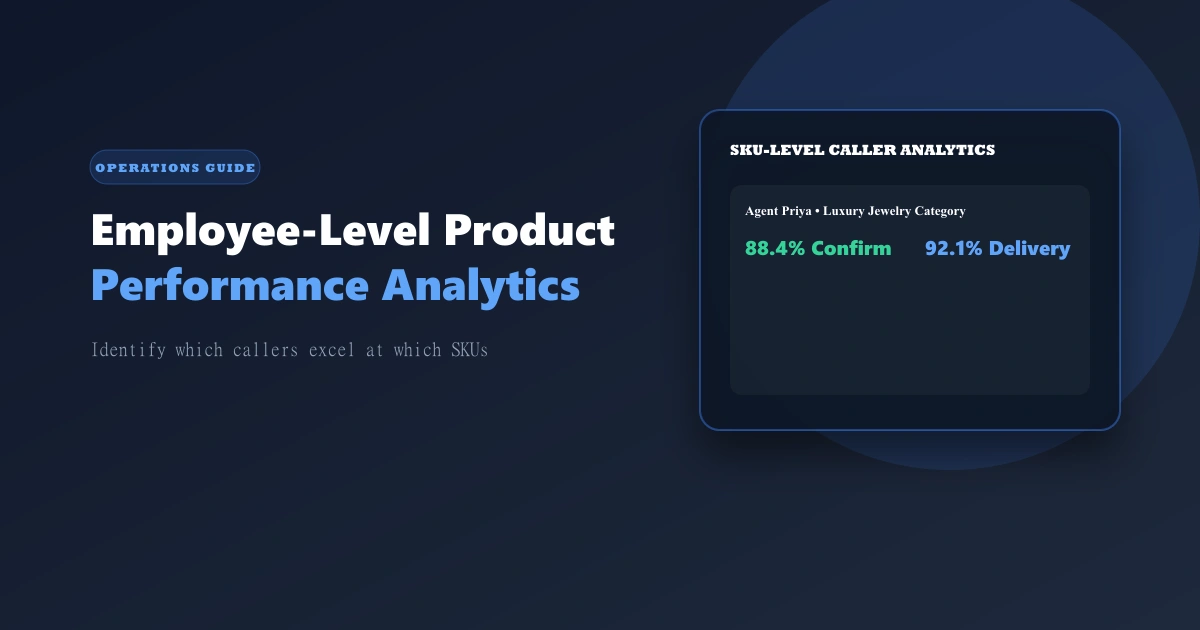
OrdersPilot features pre-aggregated Product-Level Daily Statistics per Employee (EmployeeProductDailyStat model), tracking confirmed, dispatched, delivered, and rto counters per agent per SKU in real time.
Why Product-Level Agent Attribution Matters
Imagine a Shopify brand with 2 core product categories:
- Category A (Basic T-Shirts, ₹799 AOV): Easy confirmation, low RTO risk.
- Category B (Leather Jackets, ₹4,999 AOV): High customer hesitation, requires objection handling, high RTO risk.
If you look at Agent Rahul and Agent Priya on overall confirmation rate, they both look identical at 82%.
However, when you analyze Product-Level Performance:
| Product Category | Agent Rahul Performance | Agent Priya Performance |
|---|---|---|
| Category A (T-Shirts ₹799) | 91% Confirm / 6% RTO | 78% Confirm / 10% RTO |
| Category B (Jackets ₹4,999) | 64% Confirm / 22% RTO | 88% Confirm / 7.5% RTO |
Actionable Insight: Agent Priya should handle all high-value Category B jacket orders, while Agent Rahul should focus on volume Category A t-shirt orders. Doing so immediately drops overall RTO by 5–8%!
3 Ways to Use Employee Product Analytics to Scale
1. Smart Order Routing by Product Tag
Use OrdersPilot to route high-ticket or high-RTO SKUs directly to senior agents who have proven high delivery conversion on those specific product tags.
2. Targeted Product-Specific Coaching
Instead of telling an agent to "improve overall calls," show them their specific product drawer: "Your delivery rate on watches is 68%, while the team average is 82%. Let's review your objection handling script for high-value items."
3. Tiered Incentive Commissions
Offer higher commissions to agents when they successfully confirm and deliver high-risk or customized product categories, aligning agent effort with business profitability.
Frequently Asked Questions (FAQ)
1. How does OrdersPilot aggregate product stats without slowing down the app?
OrdersPilot uses incremental, pre-aggregated Mongo DB counters (EmployeeProductDailyStat). When an order is confirmed or delivered, counters update asynchronously in less than 1ms.
2. Can I track product stats for Add-On sales as well?
Yes. OrdersPilot separates regular product statistics from Add-On sales statistics using the isAddon: true flag, allowing you to see which callers excel at upselling accessories.
Related Operations Guides
- Building a High-Performance Calling Team: Team structure and incentives.
- Phone-Call Upselling Strategy: Increasing AOV on confirmation calls.
Want granular visibility into your calling team's product performance? Schedule a demo with OrdersPilot to see our employee product analytics drawer.
Author
Growth Team
Deeply passionate about optimizing e-commerce logistics and building systems that help D2C founders regain control of their operations.
Enjoyed this article?
If you found this helpful, share it with your network and help other Shopify founders scale their operations.
Recommended Articles
Continue your journey with more insights from our team.